



 Jun 19, 2026
 Max 17 min read
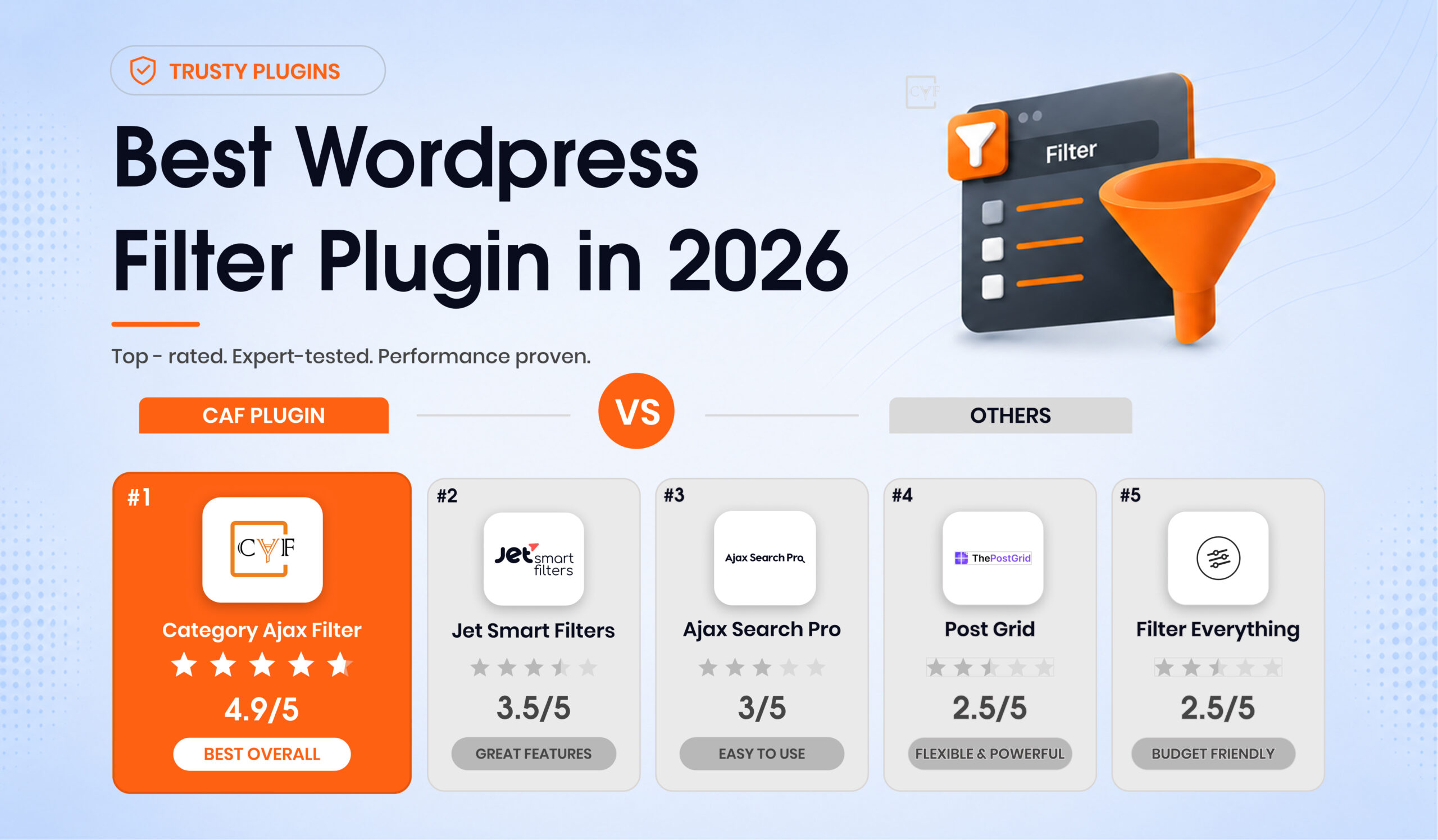

Which Plugin Wins in 2026?
| Feature | Category AJAX Filter 🏆 Best Pick | JetSmart Filters | Ajax Search Pro | Post Grid | Filter Everything | |
|---|---|---|---|---|---|---|
| Analytics Track what users search & filter | ✔ | ✖ | Partial | ✖ | ✖ | |
| Voice Search Microphone-based filtering input | ✔ | ✖ | ✖ | ✖ | ✖ | |
| Free & Pro Plans Usable without paying upfront | ✔ | ✖ | ✔ | ✔ | ✔ | |
| 15+ Filter & Post Layouts Pre-built display templates | ✔ | Limited | ✖ | Grid only | ✖ | |
| Active Filters Display Show/remove applied filters visually | ✔ | ✔ | ✖ | ✖ | ✔ | |
| Advanced Pagination Load more, infinite scroll, numbered | ✔ | ✔ | ✖ | Basic only | ✔ | |
| Elementor Loop Builder Support Design post layouts in Elementor Loop Builder | ✔ | ✔ | ✖ | ✖ | ✖ | |
| Multiple Taxonomies Filter Combine 2+ taxonomies in one filter | ✔ | ✔ | ✖ | ✖ | ✔ | |
Plugin Breakdown
Why Others Don't Cut It
JetSmart Filters
Crocoblock · Works With Any Theme

JetSmart Filters has come a long way, it's no longer limited to Elementor. It now works with Gutenberg, Elementor, and any WordPress theme, making it genuinely flexible for most setups. Multi-taxonomy filtering and active filters work well. The main drawbacks remain: no analytics, no voice search, and an annual subscription with no lifetime option.
- No voice search capability
- No analytics or filter tracking
- Subscription-only — no lifetime option
- Limited post layout templates vs CAF
- Gutenberg, Elementor & any theme
- Elementor Loop Builder compatible
- Multi-taxonomy filtering
- Active filters display
Ajax Search Pro
Keyword Search Specialist

Ajax Search Pro is one of the best keyword search plugins available, and at €99 lifetime it's reasonably priced, but it's not a filter plugin. It handles real-time search beautifully with partial analytics, but when users need to browse by category, tag or custom taxonomy, it can't do the job. It's a search tool, not a filtering system.
- No taxonomy or category filtering
- No active filters display
- No post layout templates
- No multiple taxonomies support
- No voice search
- Partial analytics included
Post Grid
Grid Layout First, Filter Second
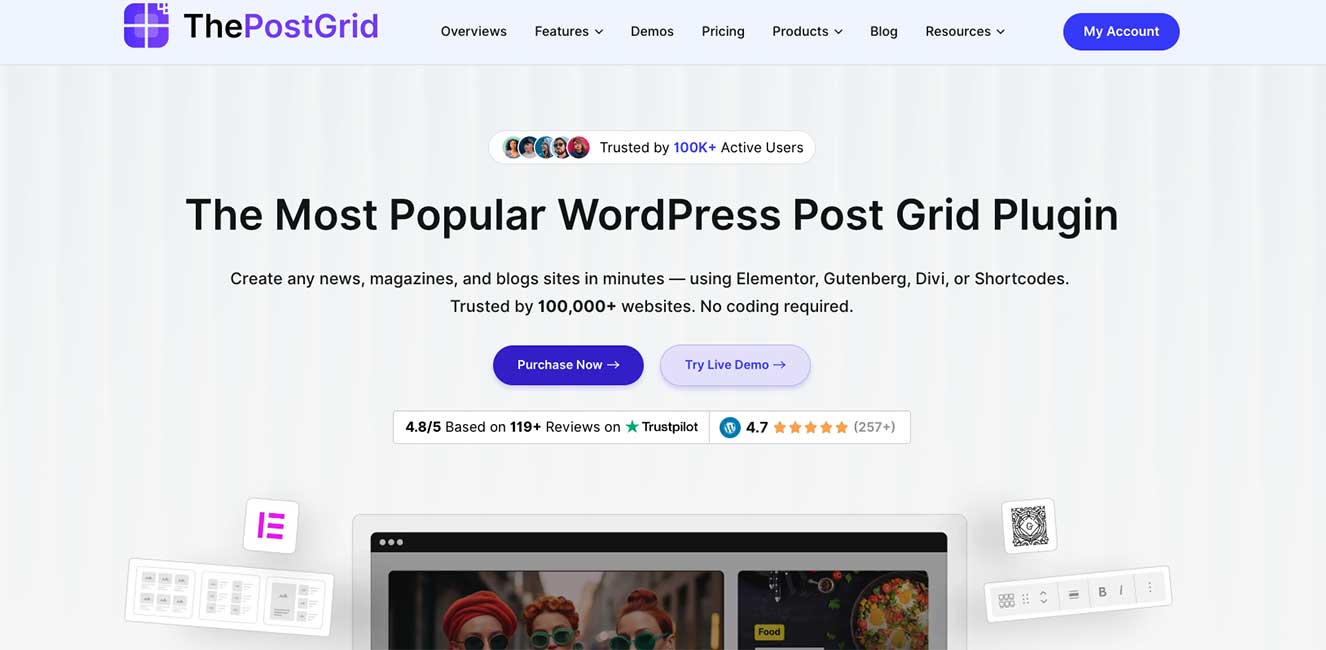
Post Grid delivers attractive grid and masonry layouts with basic filtering built in. But the filtering is an afterthought, no taxonomy combinations, no active filter display, and pagination stays basic in the free tier. It's a layout plugin that happens to filter, not the other way around.
- No analytics or voice search
- No active filters display
- No multiple taxonomies support
- No Elementor Loop Builder support
- Grid & masonry layouts: strong
- Free version available
Filter Everything
Budget Option with Limitations
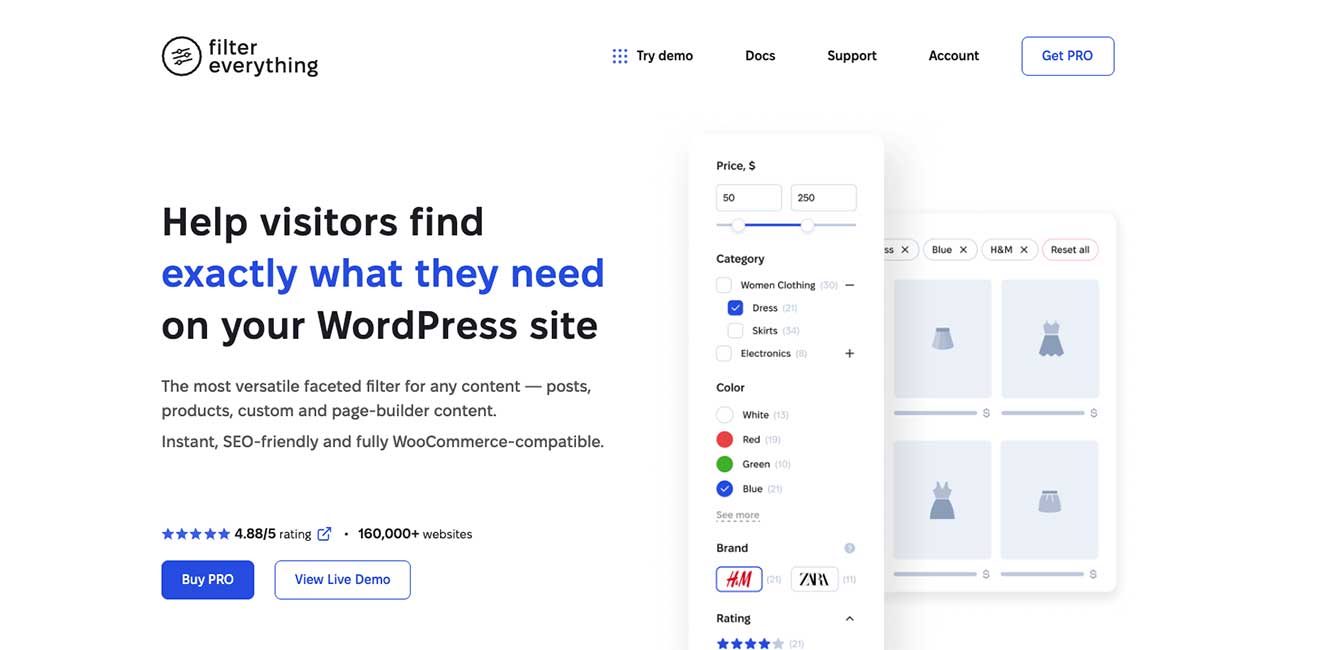
Filter Everything has the widest free-tier availability of the competitors, but it's also the most limited in what that free version covers. Advanced pagination, active filters, and multi-taxonomy support all sit behind the Pro paywall. Performance also becomes an issue on larger sites with complex filters.
- No analytics or voice search
- No post layout templates
- No Elementor Loop Builder support
- Key features require Pro upgrade
- Interface feels dated
- Free tier available (limited)


Pricing
Is It Worth the Price?
⭐ Recommended
One-time payment
Free tier available. Pro unlocks all features with no recurring fees.
Annual subscription. Best used within the Crocoblock/JetEngine ecosystem.
One-time payment. Search-focused plugin — not a full filter solution.
What’s Coming Next
🏆 Our Top Pick for 2026
CAF is the best WordPress filter plugin in 2026.
After comparing all five plugins across eight real-world features, the picture is straightforward. JetSmartFilters is capable and now works with any WordPress theme, but lacks analytics, voice search, and a lifetime pricing option. Ajax Search Pro is excellent at search but not filtering. Post Grid prioritizes layout over functionality. Filter Everything is accessible but limited where it counts.
Category AJAX Filter is the only plugin that covers every feature in this comparison like analytics, voice search, 15+ layout options, active filters, advanced pagination, Elementor Loop Builder compatibility, and multi-taxonomy filtering, while also offering a fair one-time lifetime price with priority support included.
And with the CAF Builder on the horizon, it’s only getting more capable. If you’re building a long-term WordPress site and want a filtering solution that grows with you, this is the one to choose.