

 May 31, 2026
 Max 8 min read
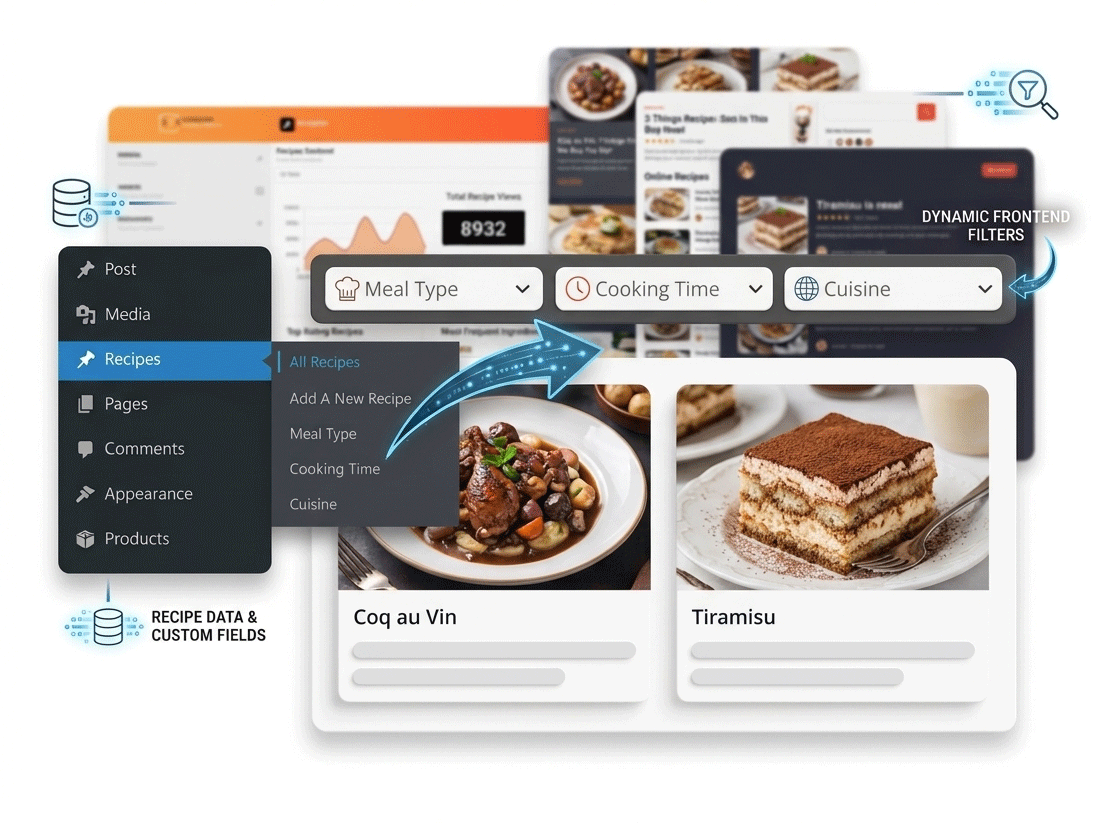

Custom Post Types power directories, real estate websites, portfolios, event listings, and business platforms. As your content scales, users need a smarter, faster way to find what they’re looking for — without the frustration of full page reloads.
Why Use AJAX Filters for Custom Post Types?
Default WordPress archives are often limited when websites contain hundreds of posts or listings. AJAX filters allow visitors to quickly narrow down content using categories, tags, custom taxonomies, or search terms — without refreshing the page.
 Business Directories
 Real Estate Listings
 Job Boards
 Portfolio Websites
 Event Listings
 Advanced Search
A property website can let users filter listings by city, property type, and price range — all simultaneously, with zero page reloads.”
Why Choose Category AJAX Filter?
Many filter plugins are either too complicated or focused only on WooCommerce. Category AJAX Filter is designed specifically for WordPress posts and Custom Post Types while keeping the setup simple and beginner-friendly.
- Supports Custom Post Types
- Multiple taxonomy filtering
- AJAX-powered (no page reload)
- Beginner-friendly setup
- Lightweight and fast
- Flexible filter layouts
- Checkboxes, dropdowns & radio buttons
- Search field integration
How to Create AJAX Filters in WordPress
The setup process is straightforward and requires no custom coding. Follow these steps to get your filters running:
Create Your Custom Post Type & Taxonomies
Register your CPT (e.g. Properties, Jobs, Events, Portfolios) and the taxonomies you want users to filter by — city, type, industry, etc.
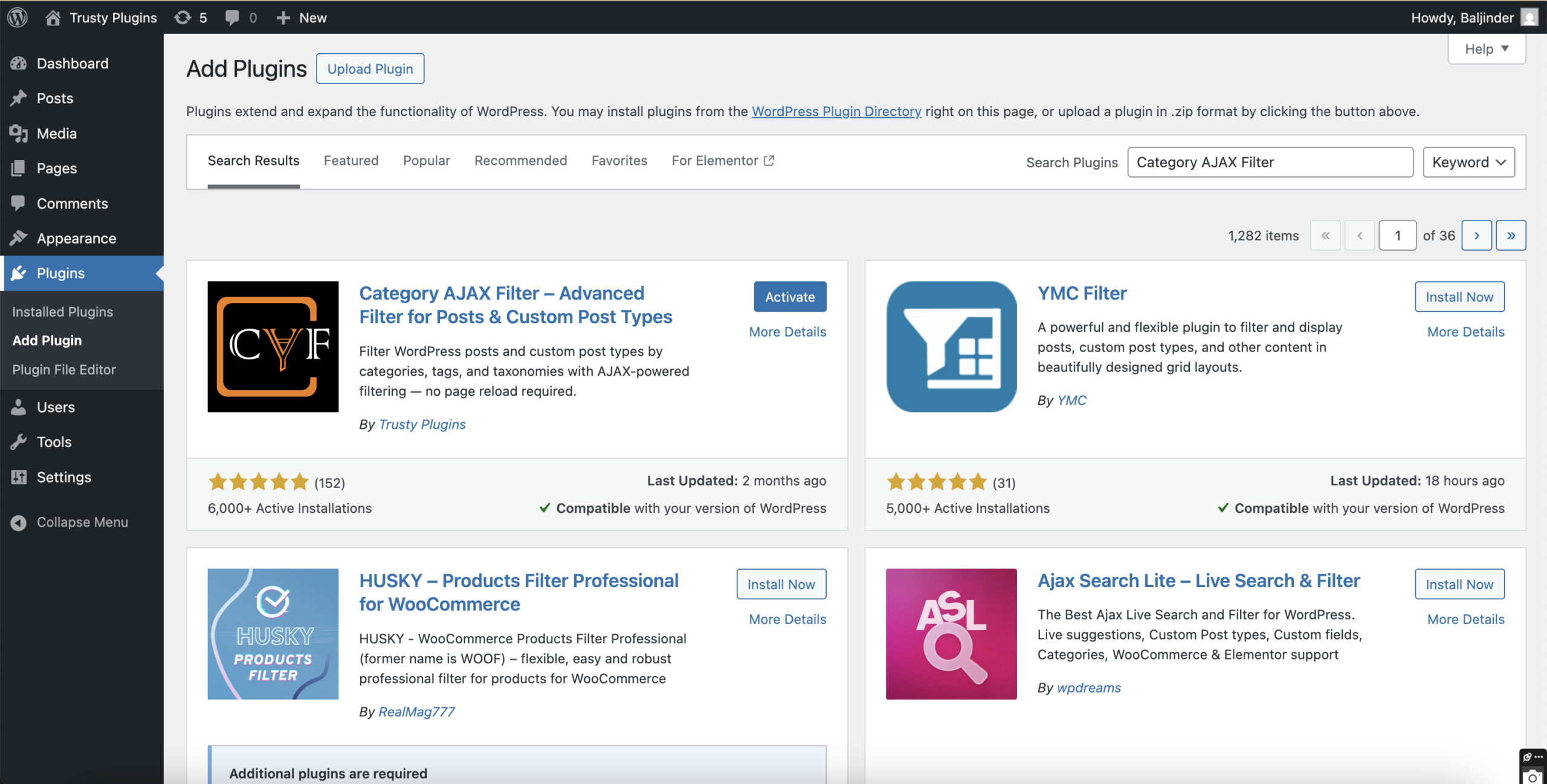
Install Category AJAX Filter
Download and activate the plugin from the WordPress plugin repository. Navigate to the plugin settings panel in your dashboard.
Select Post Type & Taxonomies to Filter
Choose which CPT to target and which taxonomy terms should appear as filter options in your UI.
Configure Filter Style & AJAX Behavior
Pick your filter layout — checkboxes, dropdowns, radio buttons, or a search field. Enable AJAX mode and configure the results display.
Add the Filter to Your Archive or Sidebar
Use the provided shortcode or block to embed the filter on your archive page, sidebar widget area, or any custom template.
Live Demo Examples
Explore real working examples to see how users can filter content without any page reloads:

Parent Child Category Filter – New*
Real estate listings filtered by city, type, and price range
View Demo →
Pros & Cons of AJAX Filters
Pros
- Faster, more interactive navigation
- Better content discovery
- Lower bounce rates
- Essential for large content sites
- Professional user experience
Cons
- Can slow sites if over-configured
- Some plugins require custom coding
- Heavy filter sets affect server load
- Needs careful taxonomy planning
That’s why choosing a lightweight, purpose-built solution like Category AJAX Filter is important — it avoids the bulk of complex WooCommerce-focused plugins while delivering everything you need for CPT filtering.