

Country State
City Dropdown PRO



Easily add dynamic Country → State → City dropdowns to any form on your WordPress website fully automated and lightning fast.
Supports Contact Form 7, WP Forms, Divi Contact Form, Elementor and even custom forms all without writing a single line of code.
Starting Price

Lifetime Access/Updates

Premium Support
Country State City List dynamically


Country State City Dropdown PRO Features



Universal
Compatibility
Works with any type of form — Contact Form 7, WP Forms, Divi Contact Form, Elementor or even custom HTML/PHP forms.

Auto-Detect User’s Country
Automatically sets the default country based on the visitor’s IP, giving users a personalized experience right from the start.

Set Specific Default Country
Want to fix a specific country for your form? Choose any country as the default option with a single setting.

Selective Country
Display
Show only the countries you want. Perfect for websites serving specific regions or markets.

Custom State & City Input
Allow users to manually enter their State or City if it’s not available in the dropdown. Keeps your form user-friendly and flexible.

Custom Error Messages & Placeholders
Personalize placeholders and validation messages for each field, match your form’s tone and style perfectly.

Multi-Language & RTL Ready
Fully supports multilingual websites and Right-to-Left (RTL) languages like Arabic and Hebrew.

Optimized
Performance
Lightweight, fast-loading, and compatible with caching plugins, ensures smooth performance even on large sites.

Reliable &
Independent
No external API calls or dependencies. All data is stored locally for maximum speed and privacy.
Supported Forms
Country State City PRO works with all major WordPress form plugins. Explore how it integrates with your preferred form. Each example includes a live demo showing dynamic Country → State → City dropdowns in action.
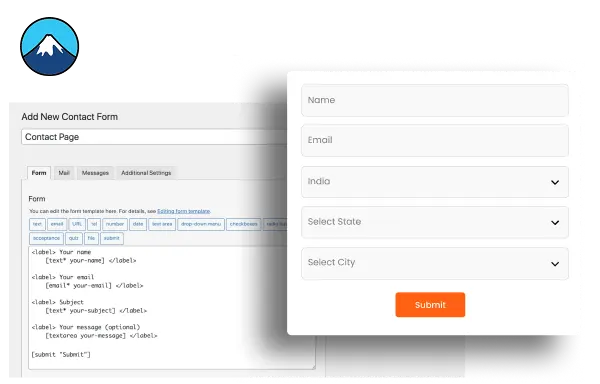
Contact form 7
Enhance your Contact Form 7 with smart, real-time Country, State, City dropdowns. Each field updates instantly and dynamically, no page reloads or delays. It’s fast, lightweight and works perfectly for contact, inquiry or registration forms on any WordPress site.
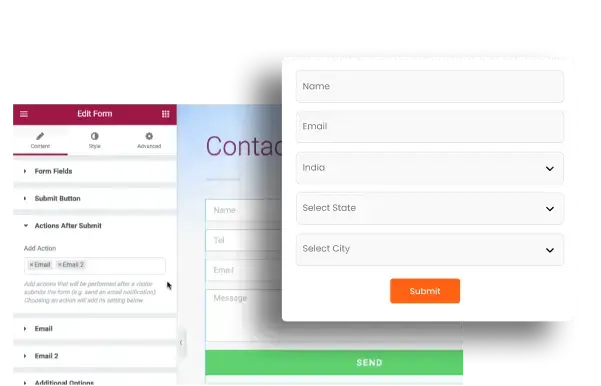
Elementor Form
Add dynamic Country, State, City dropdowns to your Elementor forms with ease. Each field updates instantly based on user selection with no reloads or extra setup required. It blends perfectly with your Elementor design delivering a smooth fast and user-friendly form experience.
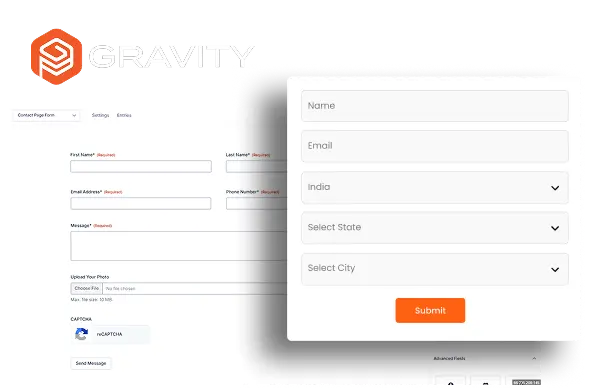
Gravity Forms
Add dynamic Country, State, City dropdowns to your Gravity Forms effortlessly. Each field updates instantly based on user input with no reloads or slowdowns. It’s simple to set up lightweight and integrates perfectly with Gravity Forms to deliver a fast reliable and modern form experience.
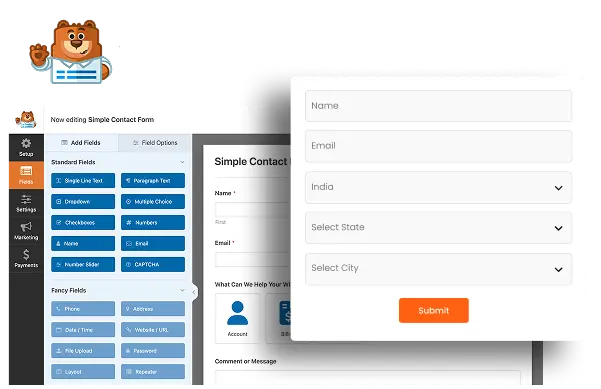
WP Forms
Upgrade your WP Forms with intelligent Country, State, City dropdowns that react instantly to user input. Perfect for registration contact or quote forms it offers powerful control with minimal setup. Lightweight flexible and built for speed it keeps your form workflow smooth and professional.
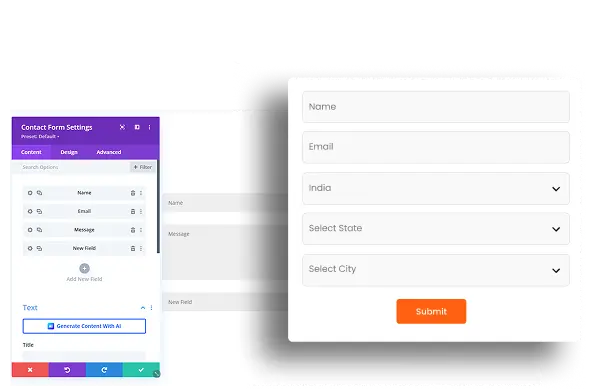
Divi Contact Form
Extend your Divi Contact Form with fully dynamic Country, State, City dropdowns. Designed to match Divi’s clean aesthetics it updates instantly without reloads or scripts. Easy to enable and style it enhances Divi forms with modern interactivity while staying perfectly aligned with your theme’s visual design.
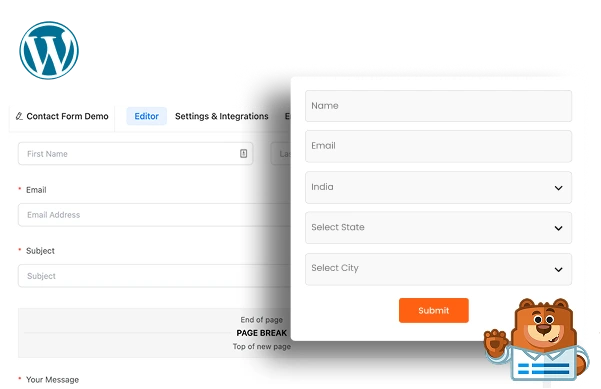
Any Other WordPress Form
Add dynamic Country, State, City dropdowns to any WordPress form not listed above. Whether it’s a niche plugin or a custom-built form each field updates automatically based on user selection with no external API or dependencies ensuring full control high performance and maximum flexibility.
Get Country State City Dropdown PRO Today
Choose the plan that fits your needs. One-time payment, lifetime access and no recurring fees. Every plan includes free updates, premium support and a 7-day money-back guarantee.
Lifetime Plan
Up to 5 Domains
Plugin Price
- Works with All Forms
- Lifetime Plugin Updates
- Lifetime Premium Support
100% Risk-Free Money Back Guarantee
If you feel that the plugin you purchased isn’t the right fit for your needs, don’t worry. We want you to be completely satisfied. Within 7 days of your purchase, you can request a full refund, and we will return the entire amount paid — no questions asked.

What Website Owners and WordPress Experts Say
Our users love sharing their experiences! Thousands of website owners and WordPress professionals have tried our free and pro plugins, and their feedback helps us grow and improve every day.

Josh Merrick3

This plugin is AWESOME! Exactly what I was looking for. Without loading the page you can filter the post by category and the Customer Support is EXCELLENT. Other developers don’t help much… But these guys are so responsive and will actually help when you need it.
Josh Merrick
This plugin is AWESOME! Exactly what I was looking for. Without loading the page you can filter the post by category and the Customer Support is EXCELLENT. Other developers don’t help much… But these guys are so responsive and will actually help when you need it.
Penny

Really useful plugin and the pro version is well worth buying. Installing it helped me a lot on quite a complex, large Divi site. Support are excellent too – highly recommended!
Odee Cool

This plugin is AWESOME! Exactly what I was looking for. Without loading the page you can filter the post by category and the Customer Support is EXCELLENT. Other developers don’t help much… But these guys are so responsive and will actually help when you need it.
Brandon

They released an update as I was implementing it, added some nice sorting functionality. Needs a bit of code insertion for custom sorting. Free version works well.
Frequently Asked Questions
